zBoneca
Jogador
-
Joined
-
Last visited
Everything posted by zBoneca
-
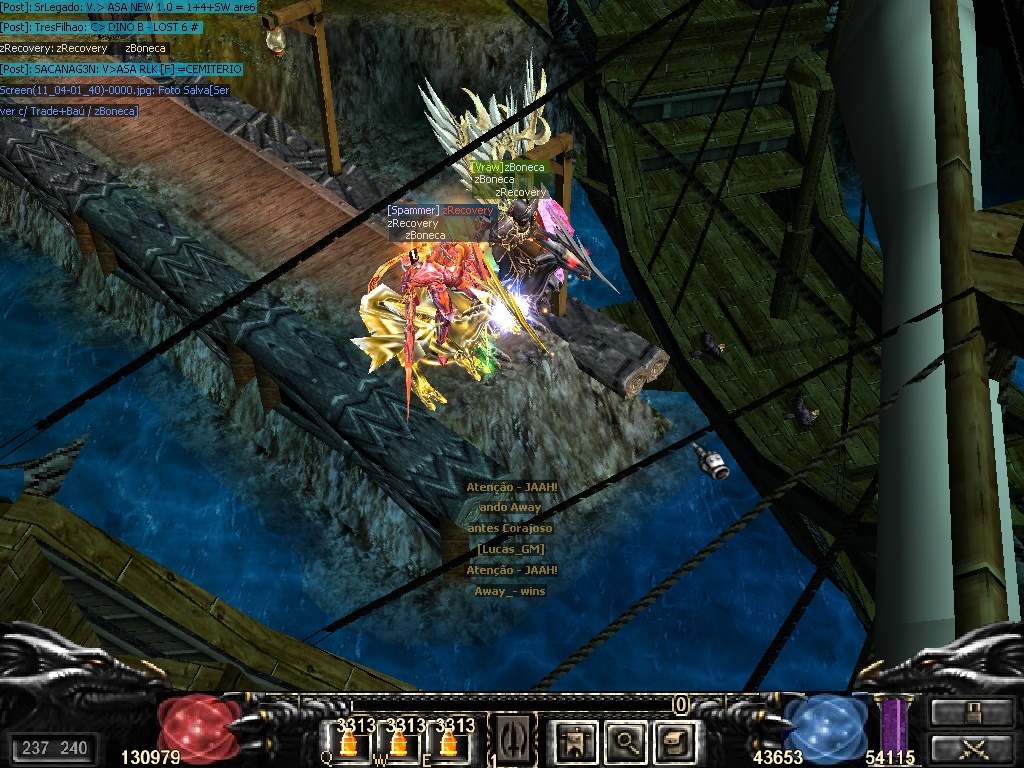
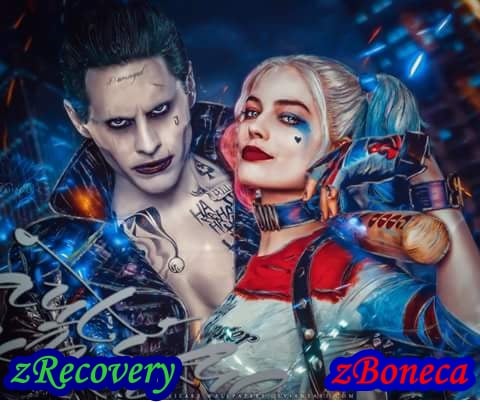
 Pow grande amigo e irmão me encinou a joga e sempre esteve do meu lado queria te agradecer por tudo que por mim dentro do jogo e pelos conselhos que você meda e sempre me ajuda quando te dou trabalho muito obrigado por tudo .... zRecovery melhor amigo e irmão ....

-
obrigada ficou lindoooo