spykiller0
Jogador
-
Joined
-
Last visited
Everything posted by spykiller0
-
Thank for all i thing my windows have problem, i reinstall my windows and connect again i stop topic here, thank so much
-
before update 2.48.7, I still log in normally from the PC I thoroughly checked my internet because I'm still logged in game with mobile, my PC has no antivirus
-
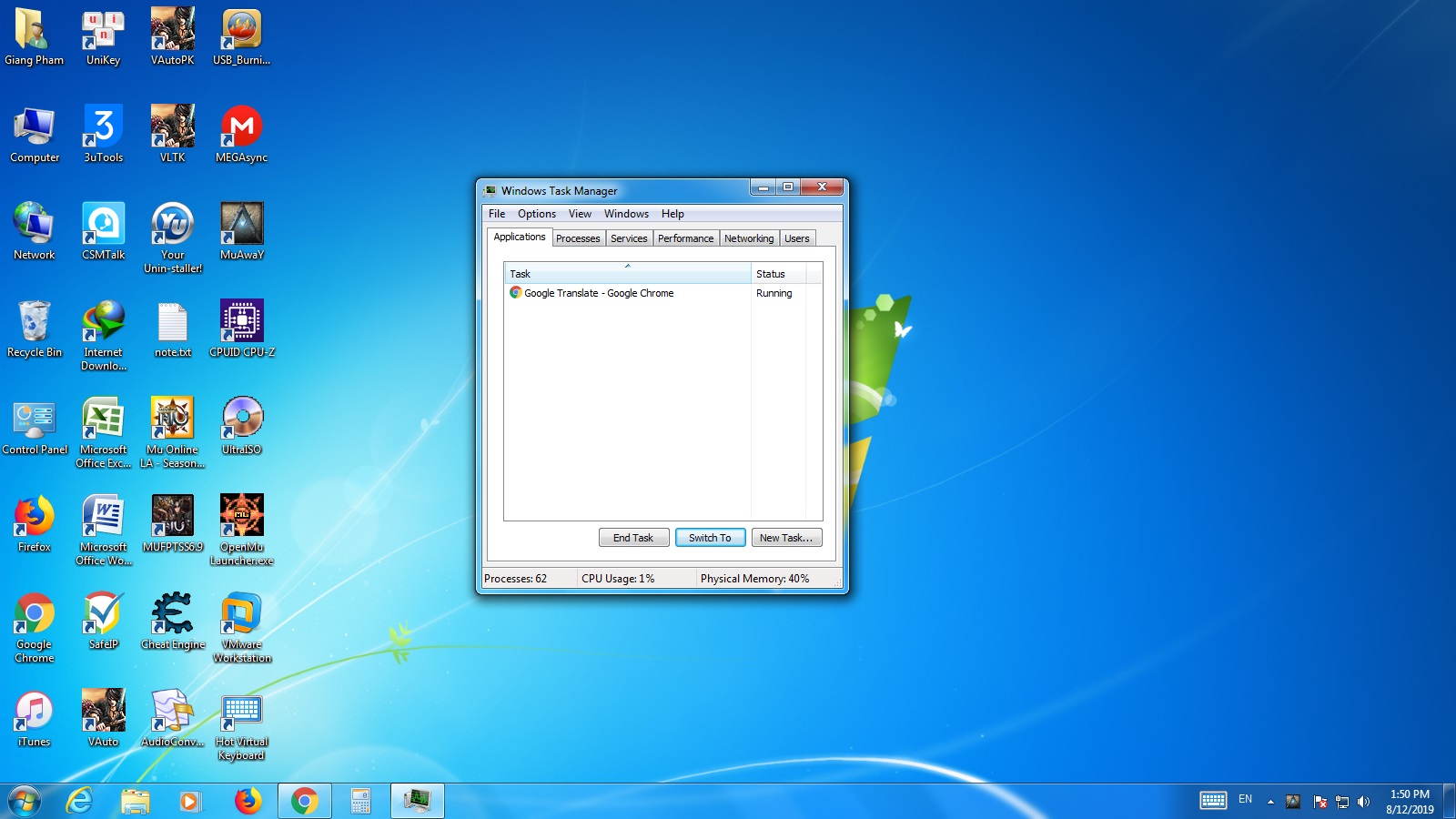
Yagox, em 12 August 2019 - 01:45 PM, disse: - Press F9 to check everything right to see if the game is no longer open, if not, open the task manager and close mu. If this is not the problem, try to see your internet connection, if all is well. all is off i sure internet not problem
-
My computer not have antivirus and firewall is off My internet is good
-
spykiller0, em 12 August 2019 - 01:32 PM, disse: Hi! i can't connect game from pc , plz help me
-
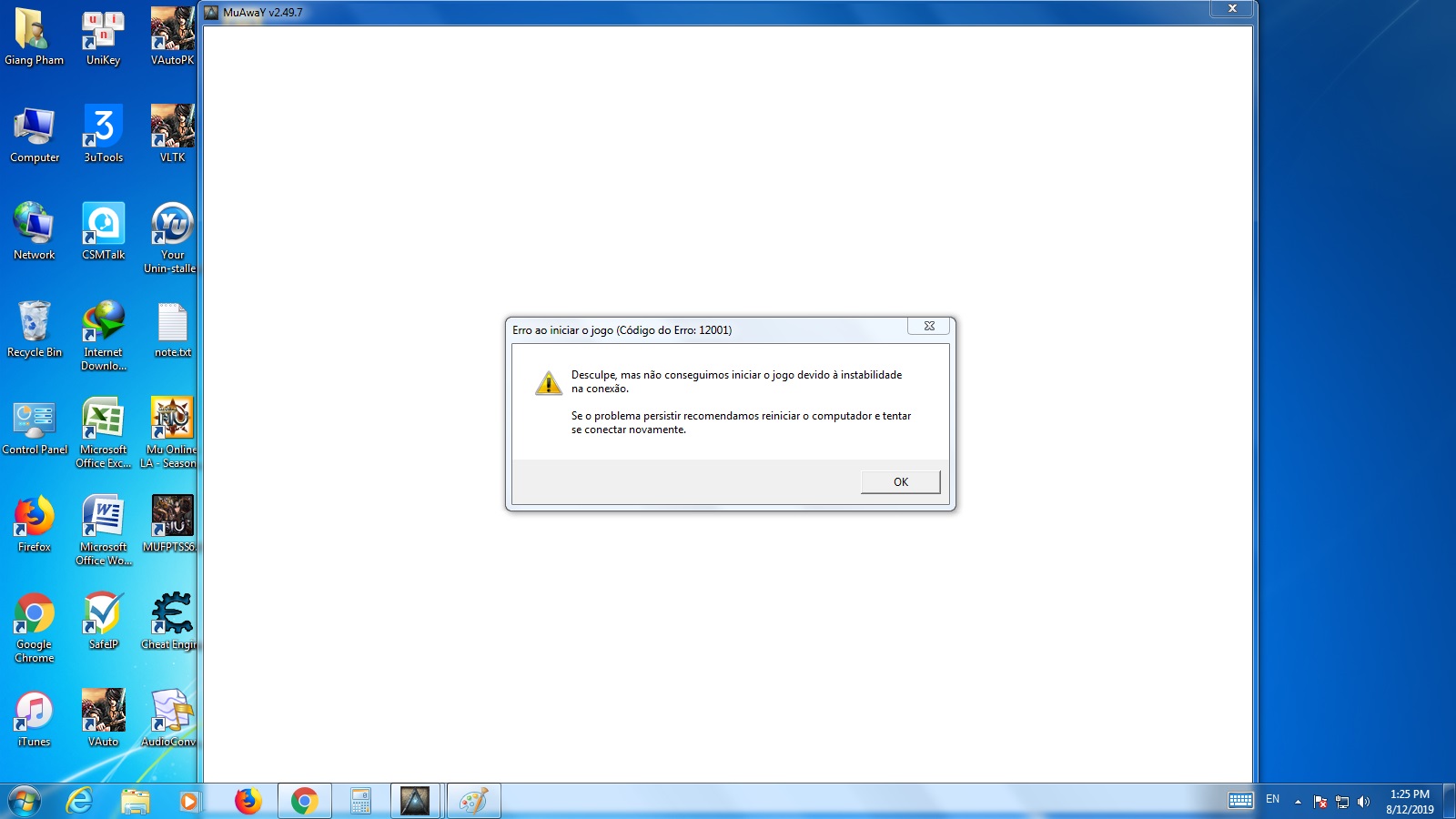
Hi! i can't connect game from pc , plz help me