Kundark
Jogador
-
Joined
-
Last visited
Everything posted by Kundark
-
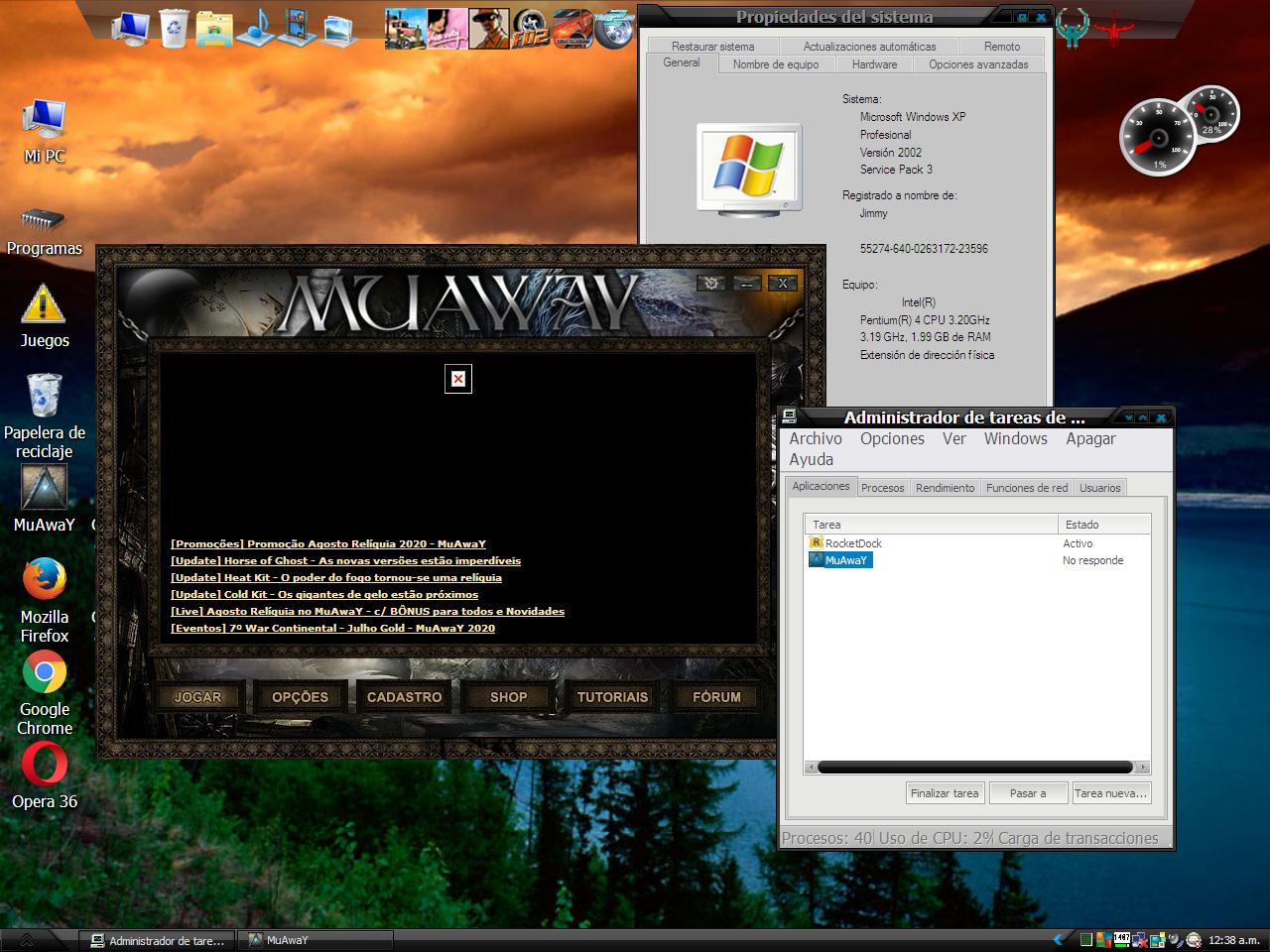
Señores amigos de este precioso universo virtual del continente de MuAway, tras la actualización a la versión 2.58 si mal no recuerdo, mi cliente de MuAway, el launcher, no inicia. He leido algunos posts de este foro sobre problemas parecidos pero no me identifico con su problema, ya que no recibo mensaje de error alguno, simplemente al dar clic al botón "jogar" el programa no inicia y según el administrador de tareas de windows deja de responder, por lo que me veo obligado a forzar el cierre del mismo. Utilicé la nueva herramienta de reparar del juego, y el problema persiste, borré los archivos "settings.ini" y "update.ini" y el resultado sigue siendo que no inicia el juego. puedo proveer un informe detallado de mi computadora, tanto de software, hardware, y archivos dll y configuracion de direct x y de lo que me pidan, por favor ayudenme ya que no tengo en este momento para comprarme una computadora de ultima generación. A continuación adjunto una captura de pantalla de lo que me sucede al ejecutar el launcher.