
About Me
Canal do Youtube :
Spoiler
http://www.youtube.com/user/rafa10148
Minha historia :
Spoiler
Bom minha historia no mu até que foi bem simples o mu away lançou em 2007 eu até ouvi falar dele em algum lugar , mais ignorei pensei que era um jogo chato como tinha online aquela epoca dai até que em 2008 o mano que jogava bola comigo aqui na rua me disse que ele era full no muaway , mais eu mal sabia o que ele queria dizer é claro dai ele perguntou no outro dia
Rafael ja que você enjoou de jogar Cs ( jogo de tiro )
vamos jogar muaway ?
dai eu disse faz uma conta pra mim la que eu nao sei
a gente fez minha conta no final de novembro de 2008 ele veio aqui em casa pah fizemo dai eu comecei upar ( primeira coisa que um nub faz ) dai tal eu nao sabia nem o que era itens eu usava um Sm nick dele era Thiagosm (fiz esse nome pra zuar meu nome nao e thiago) dai pah eu fui e fiz meu primeiro deposito sem saber de nada foi de 9 reais eu lembro que comprei um plate sem armor
e comecei trocar ate que fiquei sem nada novamente até que vi o set especial 01 nossa foi meu sonho de consumo
Dai o N4RUT0_CV ( ele que me trouxe ao game ) me emprestou um set 01 um armagedon shield uma soram hamer e uma asa eu lembro que ficava matando geral nas pontes de lorencia pois aquela epoca quase nao existia coisa full 01 semi valia set full O.o dai eu comecei ver naqueles sites de tutoriais e dicas aprendi fazer muita coisa dai como eu ja tinha um canal do youtube voltado a jogos comecei fazer video aulas do muaway exemplo ( como fazer asa , como fazer quest e talz ) dai o pessoal foi me conhecendo bem eu fazia bastante videos e aquela epoca eu fazia videos bem legais e editados eu lembro quando fiz meu primeiro video de 02 full quando lançou ele valia 4 apos e por incrivel que pareça ele era mt forte hoje em dia a defesa dele é 226 por ai mais aquela epoca os sets especiais tinham a mesma defesa em todas as partes lembro que era 256 ou algo assim ele era mt forte quem tivesse de 02 matava pelo menos uns 4 de set full pra morrer de reflet , dai no ano de 2009 eu fui roubado minha conta foi limpa pois eu confiava minha senha a varias pessoas entao eu nem podia sair culpando geral Dai eu nao usei mais essa conta hoje em dia nao lembro nem a senha dela si é que ela ainda esta ativa pois desde 2009 que nao mecho nela dai fevereiro de 2009 dei uma parada geral ! Como eu disse eu era veterano em jogos online principalmente no Gta online eu fiz meu propio servidor de Gta online fui ADM por muito tempo desse servidor meu nick no gta san andreas online era ADM-Gtasssssss até que eu vendi minha conta de ADM pois os servidores do san andreas nao necessitam dedicado etc... comigo só ficava off o servidor quando eu ia montar uma skin de um mapa ou um novo mod o nome do server era ZNS-vegas deve existir ainda se procurar acha pois passei pro meu primo que passou pra frente ainda ja deve tar em outro ADM que nem conheço mais eu nao quero me achar mais eu era tao bom como ADM do servidor que quando eu sai muita gente parou de jogar eu fazia eventos igual via no mu eu fiz um mapa pro servidor de /x1 quem quisesse tirar x1 digitava ele dai tirava dai anunciava no Global quem ganhava se foi de head shot ou nao era bem legal só que dai depois que eu vendi voltei a jogar muaway depositei 18 reais veio na promoçao 133gw , depois eu fui sendo hackiado e quando eu era hackiado eu depositava , hackiavam , eu depositava , só os depositos desse ano passam de 16 Quem duvida manda Mp que eu mando print do historico de depositos !
no antigo site meu historico de depositos era maior ainda do que isso
mais nao eram valores muito altos o valor mais alto que depositei ate agora foi 125 reais que foi para comprar o set especial 04 quando lançou
Dai continuando a historia no finalzinho de 2009 que eu tinha voltado a jogar eu vi um evento chamado Top Video aqui no forum isso mesmo eu fiz Account só para participar eu nao ganhei claro mais nao foi porque o video ficou mal feito foi porque eu errei o tema pessoal
dai eu comecei a fussar no forum ate que desanimei dai dei uma parada no forum e comecei a participar de guilds e aprender a bater x1 dai eu fui vendo aqui no forum mesmo sem conta combinaçoes boas para x1 e comecei a treinar ate que eu sozinho fechava a saida de lorencia ( aquela epoca tava valendo hehe ) Até que comecei conhecer pessoas no game como o Smash- ( atualmente -Sexy- ) ele me ajudou a mecher no forum no ano de 2010 com minha outra conta ( rafa10148 ) dai eu comecei aprender ajudar players tirava minhas duvidas aqui no forum dai comecei a ficar conhecido
dai quando teve o penultimo evento de top video que foi do dia das crianças eu arrematei primeiro lugar pois ficou um video muito engraçado eu tinha visto uns videos de redublagem no youtube dai eu comecei a achar engraçado e fiz um video alterando as legendas entao foi só alegria 350 Golds ways que sairam do forno aquela epoca lançou a away sword comprei duas delas
e ainda sobrou pra comprar um all rox e eu ja tinha um 02 dai nossa comecei jogar muito mesmo dai parei bem no finalzinho do ano com o forum pois minha meta no forum aquela epoca era ficar famoso apenas nunca procurei ser da STAFF ( nao que eu nao conseguisse mais nunca tive muito interesse )
dai eu comecei em Agosto de 2010 mecher com photoshop eu fazia minhas sings no photoscape abri ate pedidos e entregas os designers que estao ae hoje estao de prova como Ghost- , Kaio , Matheus_RX ( todos ja mechiam no forum quando eu vim para ca )
via principalmente as sings do nosso querido designer Ghost- ( quando ele era membro ) eu achava muito loucas dai eu pensei si ele consegue porque eu nao eu virei noites e noites vendo tutoriais de photoshop mais meu computador era muito ruim era um intel celeron '-'
dai ate que eu comecei a evoluir na area de hardware ( to fazendo curso disto inclusive ) entao foi só alegria mandei montar a minha parafernalia preferida que atualmente é um Intel Core 2 Quad , uma plaquinha 9800Gt 1gb , uma placa mae bem potente ( disso eu ainda nao entendo bem ) mais disseram que só com o on-board dela rodava Gta iv , tambem dai comecei baixar jogos pesados como Gta iv , crysis , fifa 11 , pes , quem ve meus tutorias de designer ve meu desktop como é lotado
dai eu comecei a mecher muito com photoshop
hoje em dia ate que eu faço uns lixos legais
hoje em dia eu tenho sonho de ser da staff
meu maior sonho e ser convidado a aprendiz !
nao sei tudo sobre photoshop mais eu tento !
tudo que eu evolui foi com meu propio esforço posso me orgulhar de falar isso Agora estou aqui com essa nova conta tentando fazer tudo denovo e vejo que estou conseguindo melhor ainda do que eu era !
eu agradeço a deus primeiramente por eu estar aqui !
e isso e um pouco da minha historia pessoal se voce leu ate este ponto voce e um guerreiro de verdade valeu !
Rafael ja que você enjoou de jogar Cs ( jogo de tiro )
vamos jogar muaway ?
dai eu disse faz uma conta pra mim la que eu nao sei
a gente fez minha conta no final de novembro de 2008 ele veio aqui em casa pah fizemo dai eu comecei upar ( primeira coisa que um nub faz ) dai tal eu nao sabia nem o que era itens eu usava um Sm nick dele era Thiagosm (fiz esse nome pra zuar meu nome nao e thiago) dai pah eu fui e fiz meu primeiro deposito sem saber de nada foi de 9 reais eu lembro que comprei um plate sem armor
e comecei trocar ate que fiquei sem nada novamente até que vi o set especial 01 nossa foi meu sonho de consumo
Dai o N4RUT0_CV ( ele que me trouxe ao game ) me emprestou um set 01 um armagedon shield uma soram hamer e uma asa eu lembro que ficava matando geral nas pontes de lorencia pois aquela epoca quase nao existia coisa full 01 semi valia set full O.o dai eu comecei ver naqueles sites de tutoriais e dicas aprendi fazer muita coisa dai como eu ja tinha um canal do youtube voltado a jogos comecei fazer video aulas do muaway exemplo ( como fazer asa , como fazer quest e talz ) dai o pessoal foi me conhecendo bem eu fazia bastante videos e aquela epoca eu fazia videos bem legais e editados eu lembro quando fiz meu primeiro video de 02 full quando lançou ele valia 4 apos e por incrivel que pareça ele era mt forte hoje em dia a defesa dele é 226 por ai mais aquela epoca os sets especiais tinham a mesma defesa em todas as partes lembro que era 256 ou algo assim ele era mt forte quem tivesse de 02 matava pelo menos uns 4 de set full pra morrer de reflet , dai no ano de 2009 eu fui roubado minha conta foi limpa pois eu confiava minha senha a varias pessoas entao eu nem podia sair culpando geral Dai eu nao usei mais essa conta hoje em dia nao lembro nem a senha dela si é que ela ainda esta ativa pois desde 2009 que nao mecho nela dai fevereiro de 2009 dei uma parada geral ! Como eu disse eu era veterano em jogos online principalmente no Gta online eu fiz meu propio servidor de Gta online fui ADM por muito tempo desse servidor meu nick no gta san andreas online era ADM-Gtasssssss até que eu vendi minha conta de ADM pois os servidores do san andreas nao necessitam dedicado etc... comigo só ficava off o servidor quando eu ia montar uma skin de um mapa ou um novo mod o nome do server era ZNS-vegas deve existir ainda se procurar acha pois passei pro meu primo que passou pra frente ainda ja deve tar em outro ADM que nem conheço mais eu nao quero me achar mais eu era tao bom como ADM do servidor que quando eu sai muita gente parou de jogar eu fazia eventos igual via no mu eu fiz um mapa pro servidor de /x1 quem quisesse tirar x1 digitava ele dai tirava dai anunciava no Global quem ganhava se foi de head shot ou nao era bem legal só que dai depois que eu vendi voltei a jogar muaway depositei 18 reais veio na promoçao 133gw , depois eu fui sendo hackiado e quando eu era hackiado eu depositava , hackiavam , eu depositava , só os depositos desse ano passam de 16 Quem duvida manda Mp que eu mando print do historico de depositos !
no antigo site meu historico de depositos era maior ainda do que isso
mais nao eram valores muito altos o valor mais alto que depositei ate agora foi 125 reais que foi para comprar o set especial 04 quando lançou
Dai continuando a historia no finalzinho de 2009 que eu tinha voltado a jogar eu vi um evento chamado Top Video aqui no forum isso mesmo eu fiz Account só para participar eu nao ganhei claro mais nao foi porque o video ficou mal feito foi porque eu errei o tema pessoal
dai eu comecei a fussar no forum ate que desanimei dai dei uma parada no forum e comecei a participar de guilds e aprender a bater x1 dai eu fui vendo aqui no forum mesmo sem conta combinaçoes boas para x1 e comecei a treinar ate que eu sozinho fechava a saida de lorencia ( aquela epoca tava valendo hehe ) Até que comecei conhecer pessoas no game como o Smash- ( atualmente -Sexy- ) ele me ajudou a mecher no forum no ano de 2010 com minha outra conta ( rafa10148 ) dai eu comecei aprender ajudar players tirava minhas duvidas aqui no forum dai comecei a ficar conhecido
dai quando teve o penultimo evento de top video que foi do dia das crianças eu arrematei primeiro lugar pois ficou um video muito engraçado eu tinha visto uns videos de redublagem no youtube dai eu comecei a achar engraçado e fiz um video alterando as legendas entao foi só alegria 350 Golds ways que sairam do forno aquela epoca lançou a away sword comprei duas delas
e ainda sobrou pra comprar um all rox e eu ja tinha um 02 dai nossa comecei jogar muito mesmo dai parei bem no finalzinho do ano com o forum pois minha meta no forum aquela epoca era ficar famoso apenas nunca procurei ser da STAFF ( nao que eu nao conseguisse mais nunca tive muito interesse )
dai eu comecei em Agosto de 2010 mecher com photoshop eu fazia minhas sings no photoscape abri ate pedidos e entregas os designers que estao ae hoje estao de prova como Ghost- , Kaio , Matheus_RX ( todos ja mechiam no forum quando eu vim para ca )
via principalmente as sings do nosso querido designer Ghost- ( quando ele era membro ) eu achava muito loucas dai eu pensei si ele consegue porque eu nao eu virei noites e noites vendo tutoriais de photoshop mais meu computador era muito ruim era um intel celeron '-'
dai ate que eu comecei a evoluir na area de hardware ( to fazendo curso disto inclusive ) entao foi só alegria mandei montar a minha parafernalia preferida que atualmente é um Intel Core 2 Quad , uma plaquinha 9800Gt 1gb , uma placa mae bem potente ( disso eu ainda nao entendo bem ) mais disseram que só com o on-board dela rodava Gta iv , tambem dai comecei baixar jogos pesados como Gta iv , crysis , fifa 11 , pes , quem ve meus tutorias de designer ve meu desktop como é lotado
dai eu comecei a mecher muito com photoshop
hoje em dia ate que eu faço uns lixos legais
hoje em dia eu tenho sonho de ser da staff
meu maior sonho e ser convidado a aprendiz !
nao sei tudo sobre photoshop mais eu tento !
tudo que eu evolui foi com meu propio esforço posso me orgulhar de falar isso Agora estou aqui com essa nova conta tentando fazer tudo denovo e vejo que estou conseguindo melhor ainda do que eu era !
eu agradeço a deus primeiramente por eu estar aqui !
e isso e um pouco da minha historia pessoal se voce leu ate este ponto voce e um guerreiro de verdade valeu !
fotos no game :
Spoiler


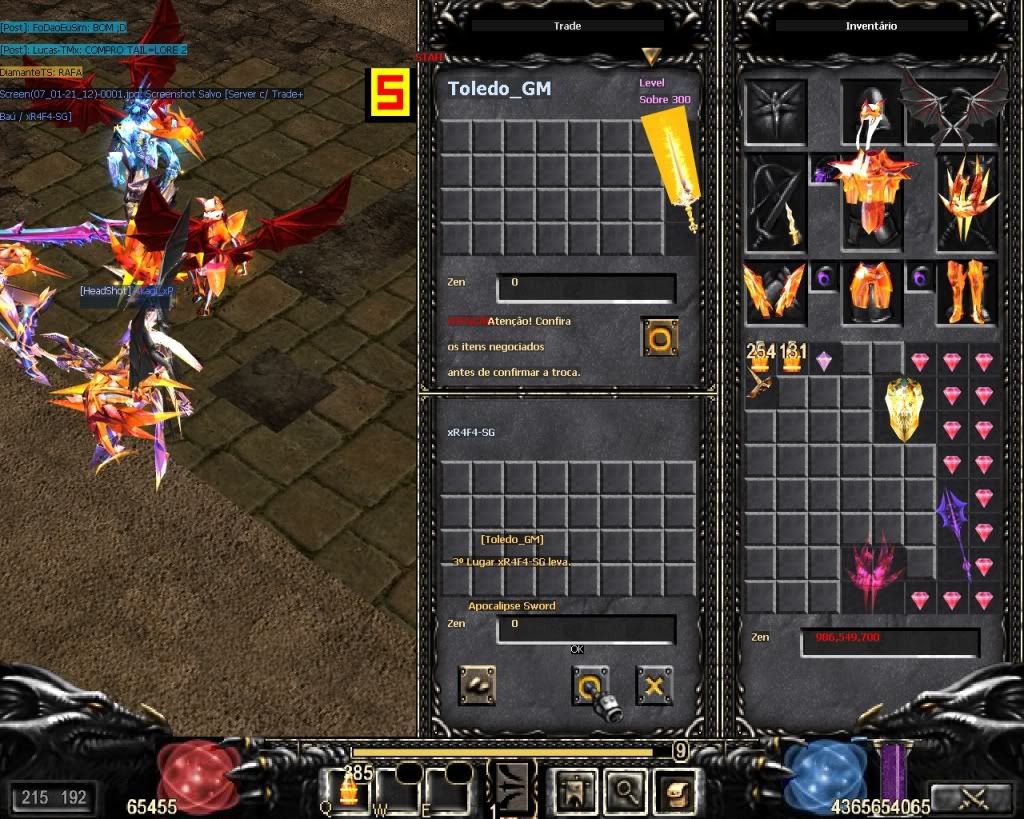
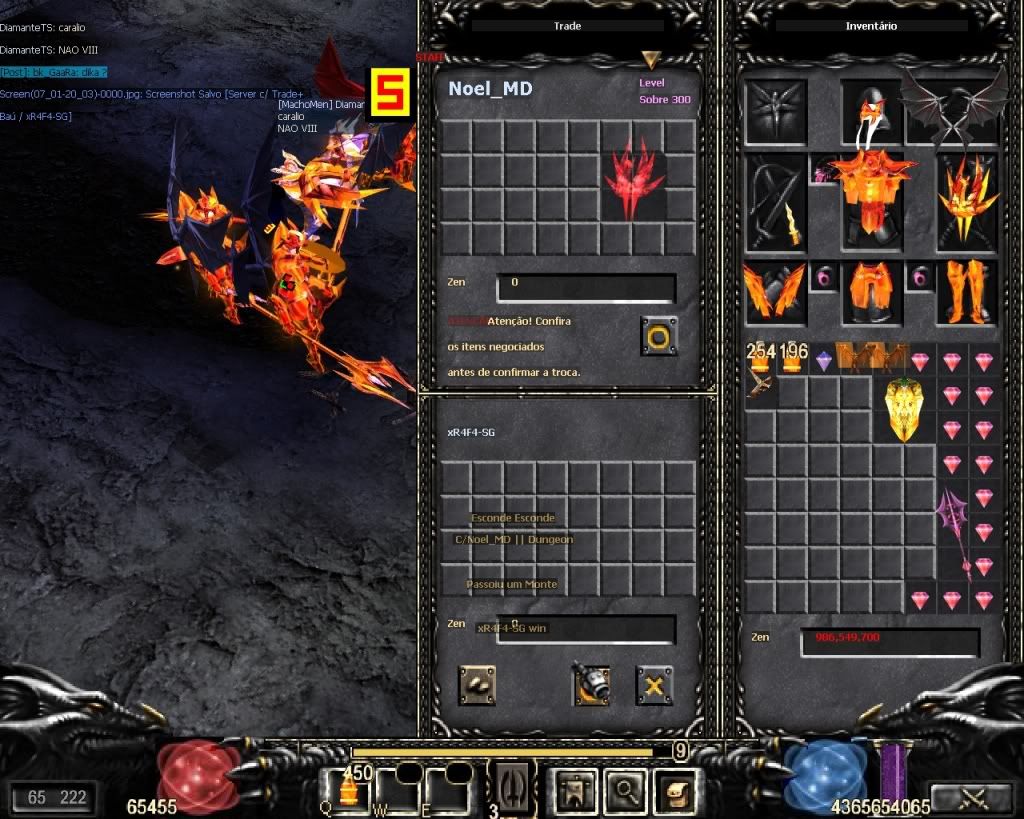
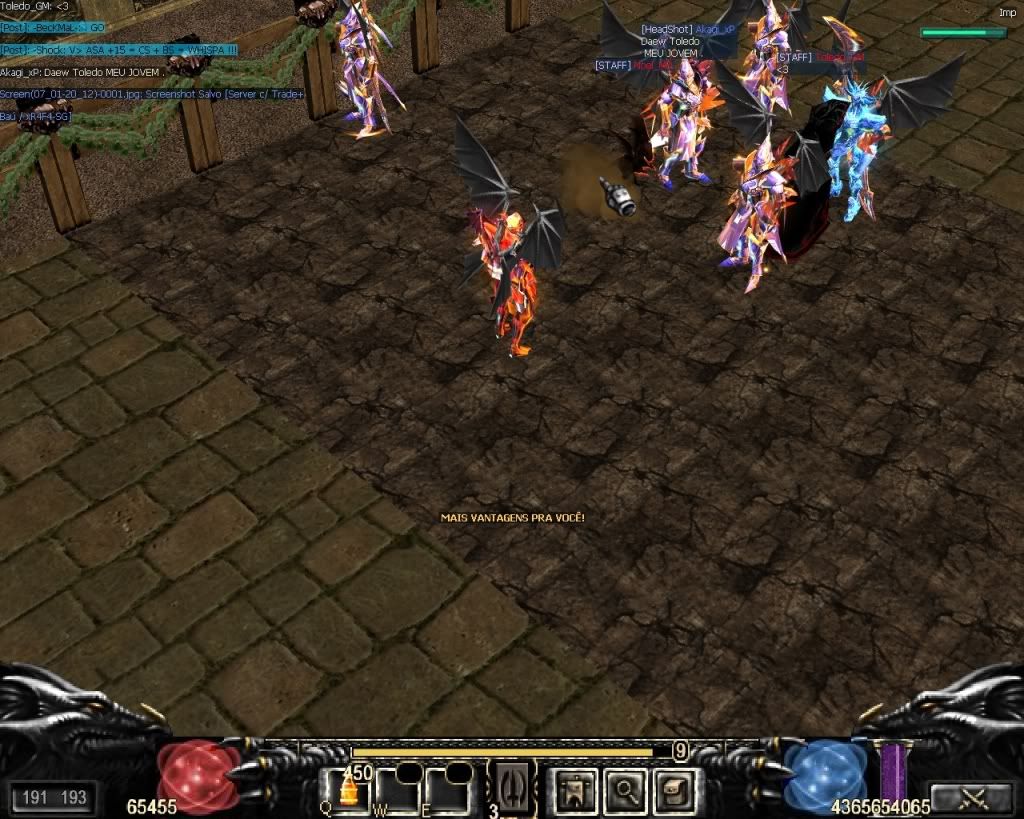
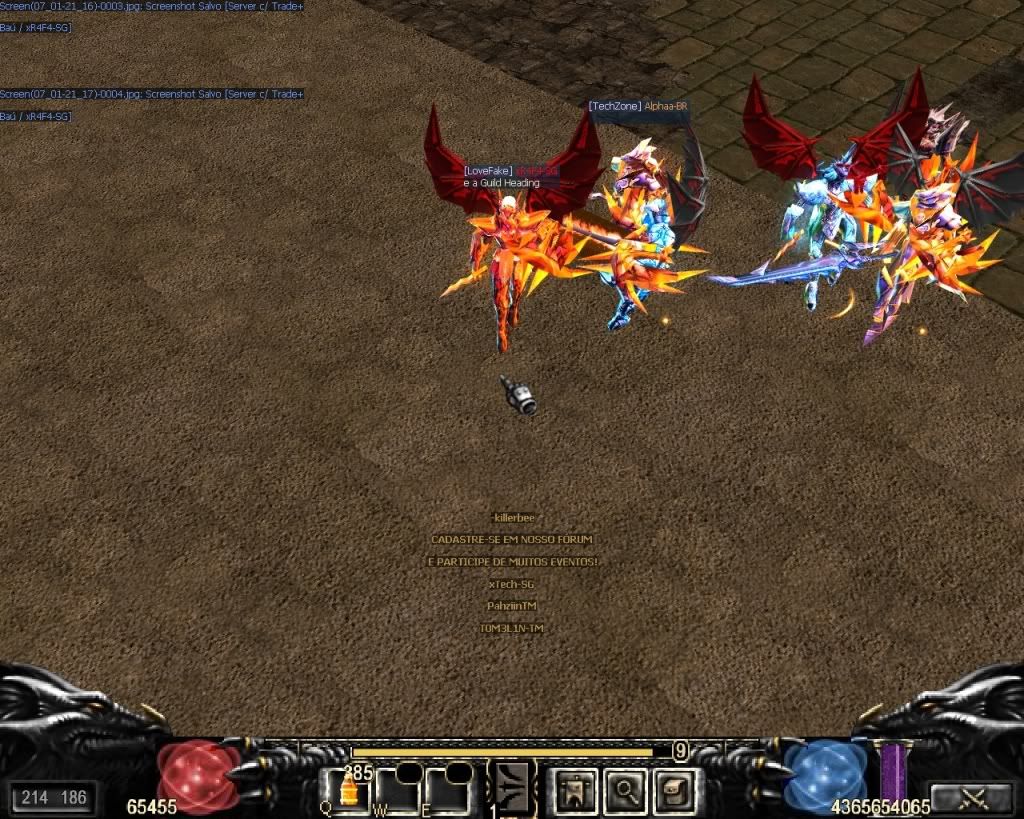
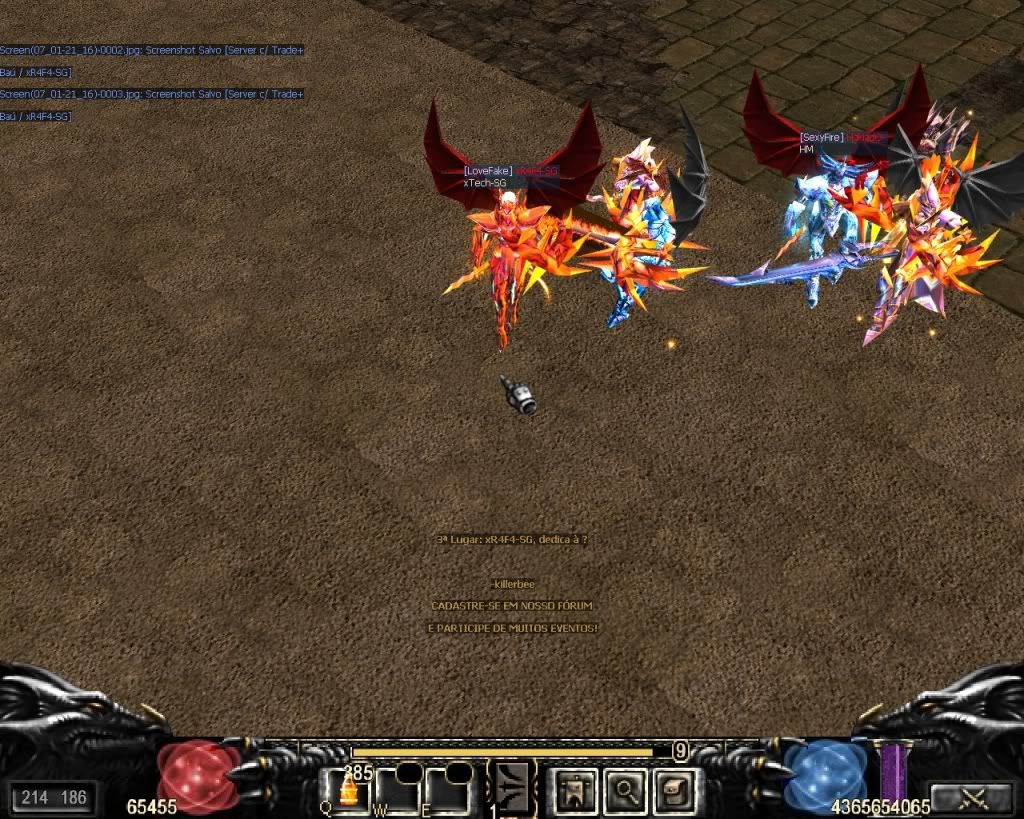
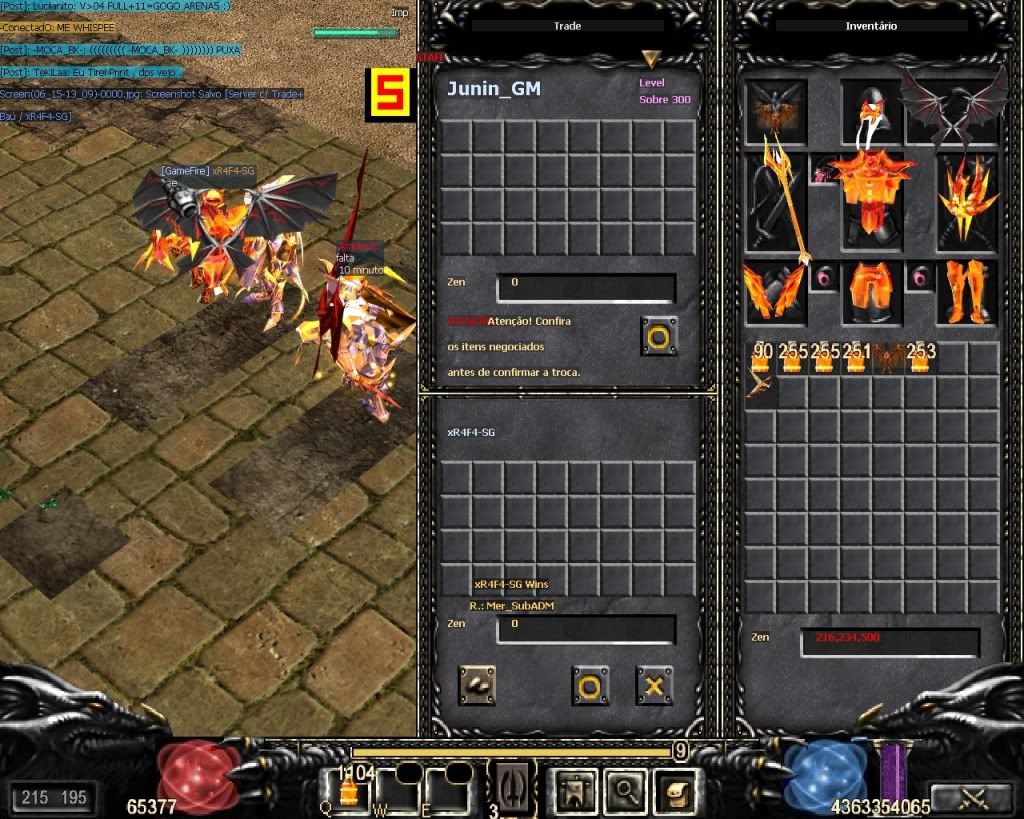


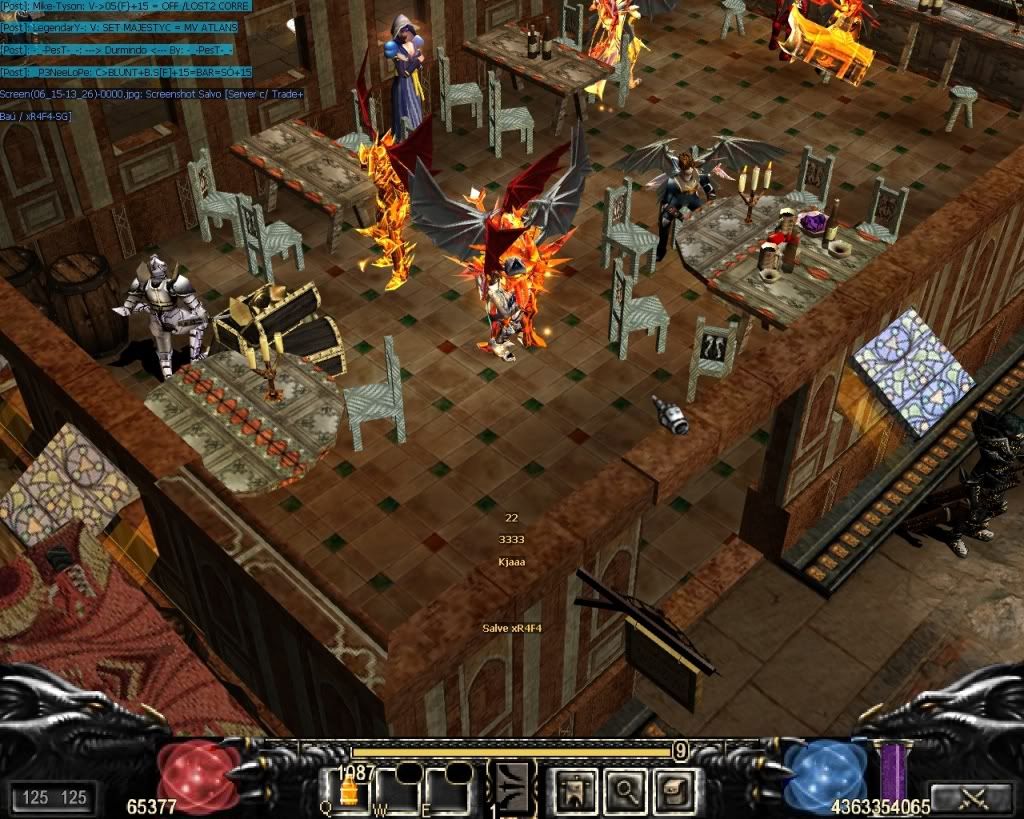


new pc ^^
Pente de memoria 2048 DDR 2 800 Mhz
PLACA DE VIDEO nvidia ge force 1gb 9800 gt
RAM 4gb
HD 500 gb
Intel® Quad core ®
Monitor AOC lcd 17''
Fonte C3Tech 500W Real 20p+4pinos PUF
Windows 7 ultimate 64 bits
e sei la mais um pa de coisa
awaytube primeiro lugar :
Spoiler


