Jump to content
View in the app

A better way to browse. Learn more.

Fórum - MuAwaY

A full-screen app on your home screen with push notifications, badges and more.

To install this app on iOS and iPadOS
  1. Tap the Share icon in Safari
  2. Scroll the menu and tap Add to Home Screen.
  3. Tap Add in the top-right corner.
To install this app on Android
  1. Tap the 3-dot menu (⋮) in the top-right corner of the browser.
  2. Tap Add to Home screen or Install app.
  3. Confirm by tapping Install.

Omgo

Jogador
  • Joined

  • Last visited

  1. não resolveu ;/ , n sei mais oque fazer o eles n respoderam o email tem uns 7 dias ja
  2. Bom, fiz tudo que todos sugeriram e não resolveu ;/
  3. Ja fiz isso , vo fazer mais uma veiis pra ver se pega so n reniciei o pc mais vo reniciar e te falo
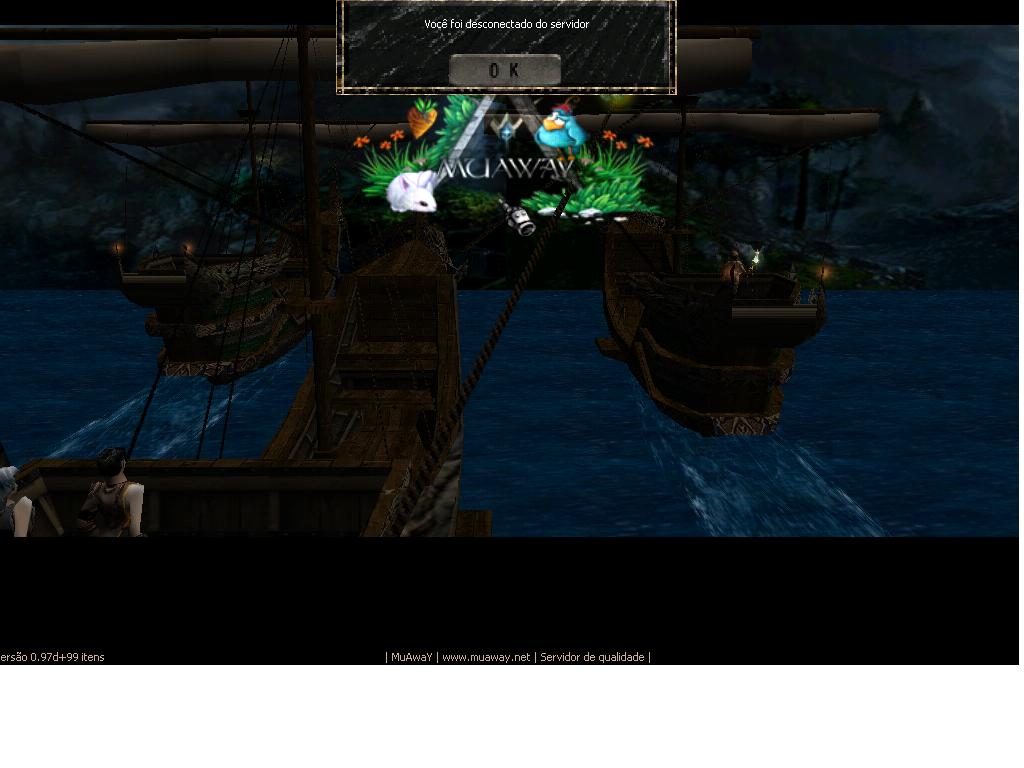
  4. Bom eu parei de jogar por uma semana o Mu, e quando eu fui entrar está acontecendo isso dis que está off sendo que está on, Espero uma resposta que ajude pois eu ja reinstallei , ja exclui o mu totalmente como explica o tutorial , ja fiz de tudo e n sei oq fazer --', estou perdendo a semana de muitos eventos. Ps> ja mandei akele negoço pro cdef@dtex.com.br e até hoje n me responderam tem 3 dias jah

Configure browser push notifications

Chrome (Android)
  1. Tap the lock icon next to the address bar.
  2. Tap Permissions → Notifications.
  3. Adjust your preference.
Chrome (Desktop)
  1. Click the padlock icon in the address bar.
  2. Select Site settings.
  3. Find Notifications and adjust your preference.